This article is about how to perform Mercedes Benz 4th Generation Gearbox clone with Launch X431 PAD V / Pad VII Plus X-PROG3 GIII (update software to Immobilizer programmer V10.06)
Here we go for the operation guide:
1. Select the Anti-theft programmer software, click [OK] -> [OK] to enter.
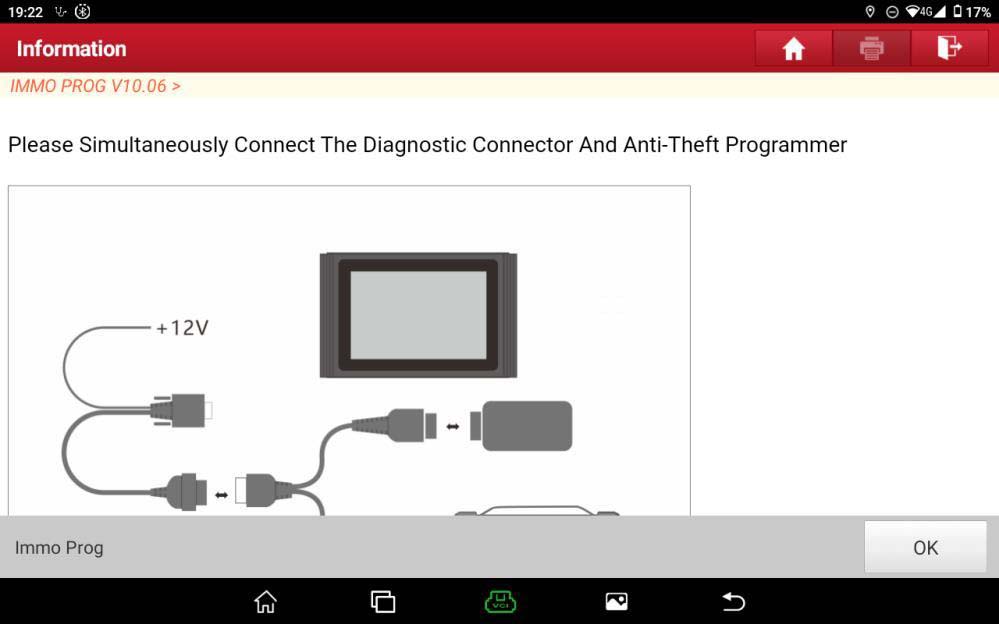
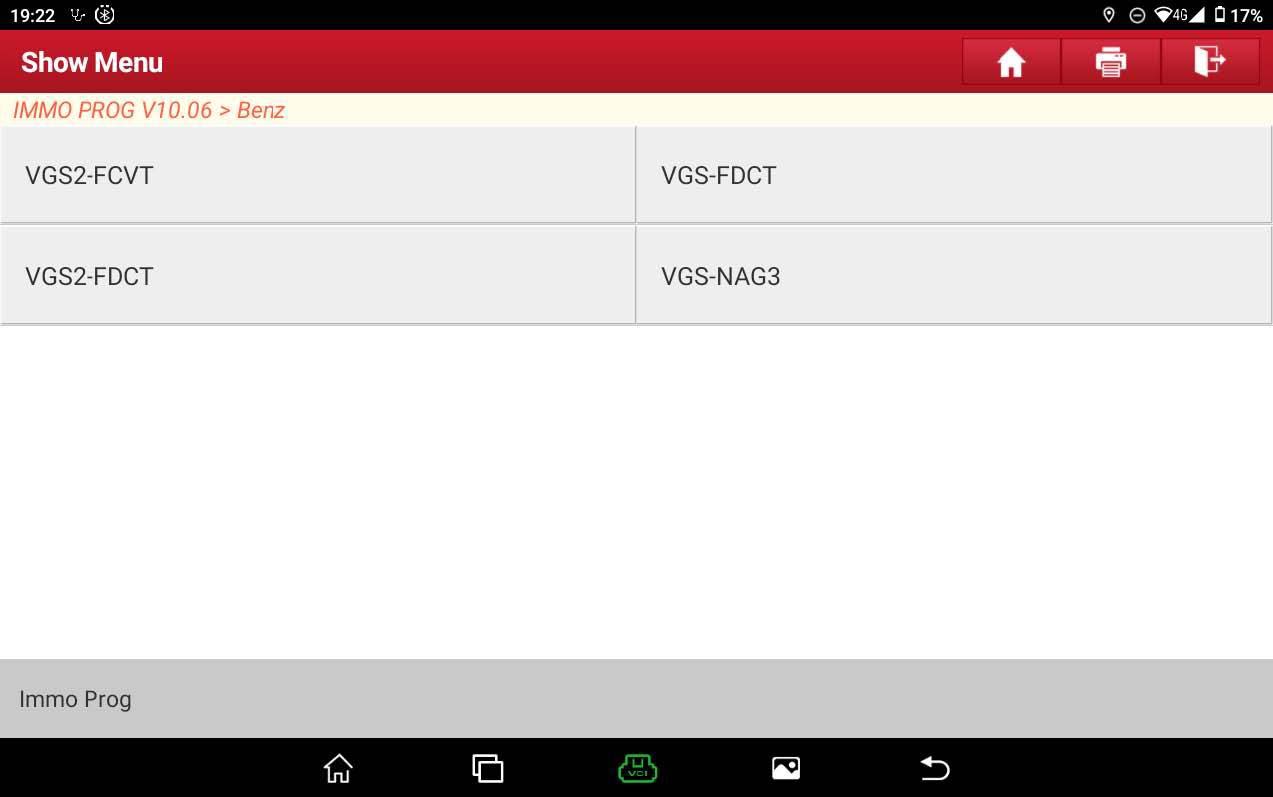
2. Connect the Immobilizer programmer as shown in Figure 1, and select 【Gearbox】-> 【Benz】-> 【VGS-NAG3】
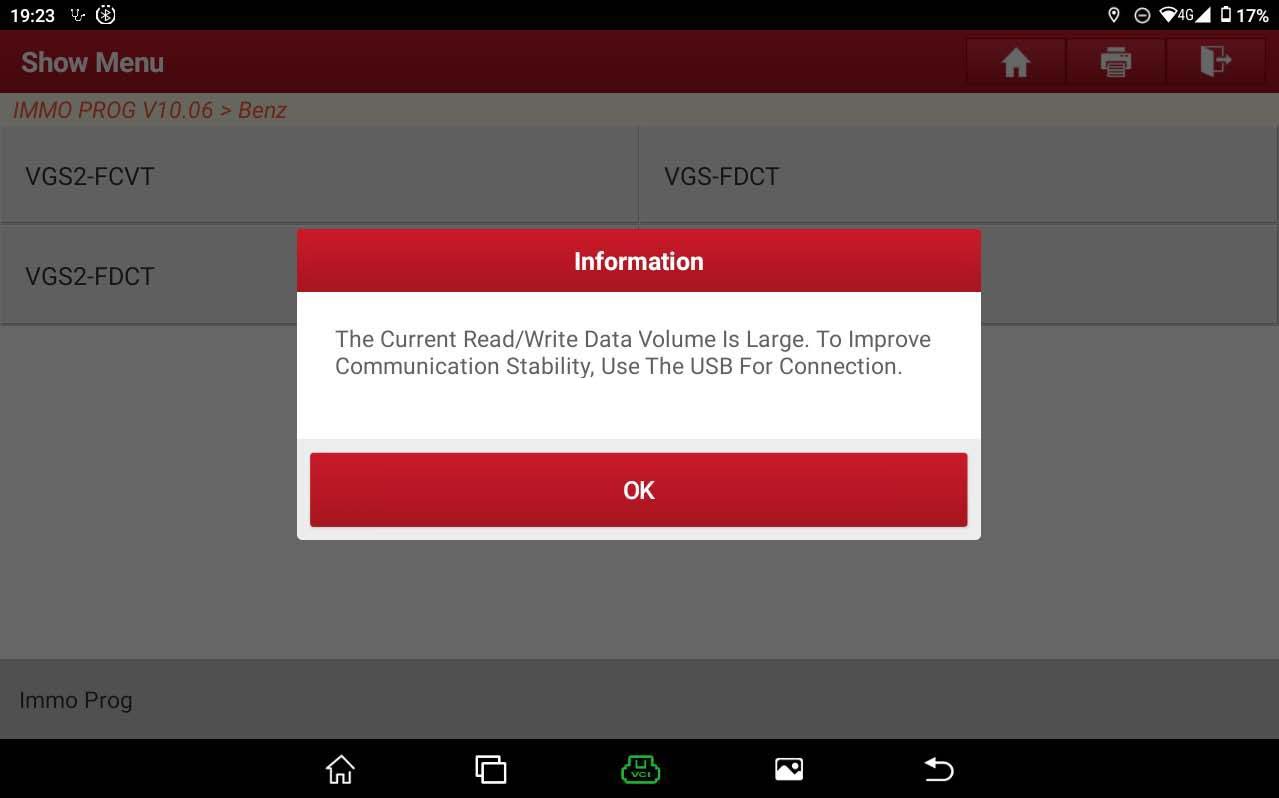
3. The current Read/Write data volume is large. To improve communication stability, please use the USB for connection.
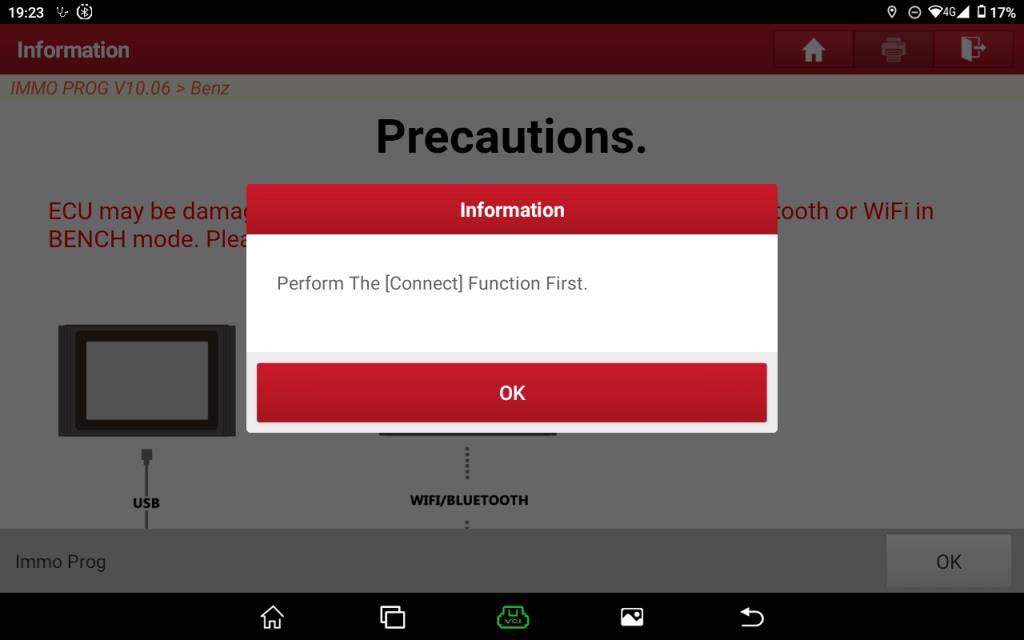
4. Click “OK”, please perform the [Connect] function first.
5. Select 【View Wiring Diagram】, disassemble the original gearbox and connect the Immobilizer programmer with harness.
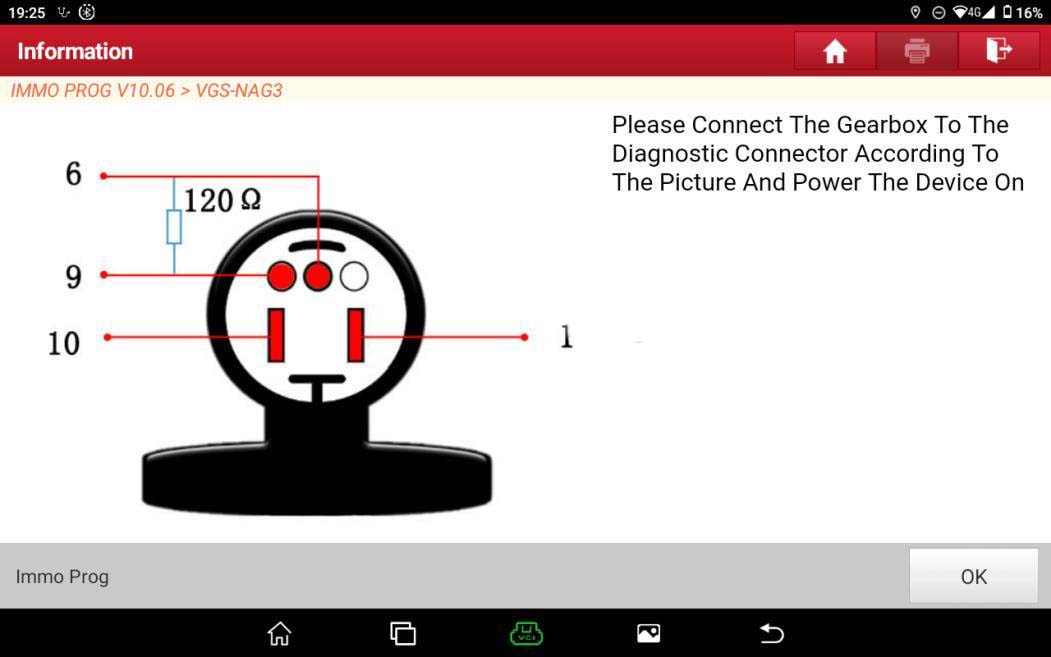
6. Before performing operations of other functions, please first perform the [Connect] function to verify whether the gearbox is connected to the programmer.
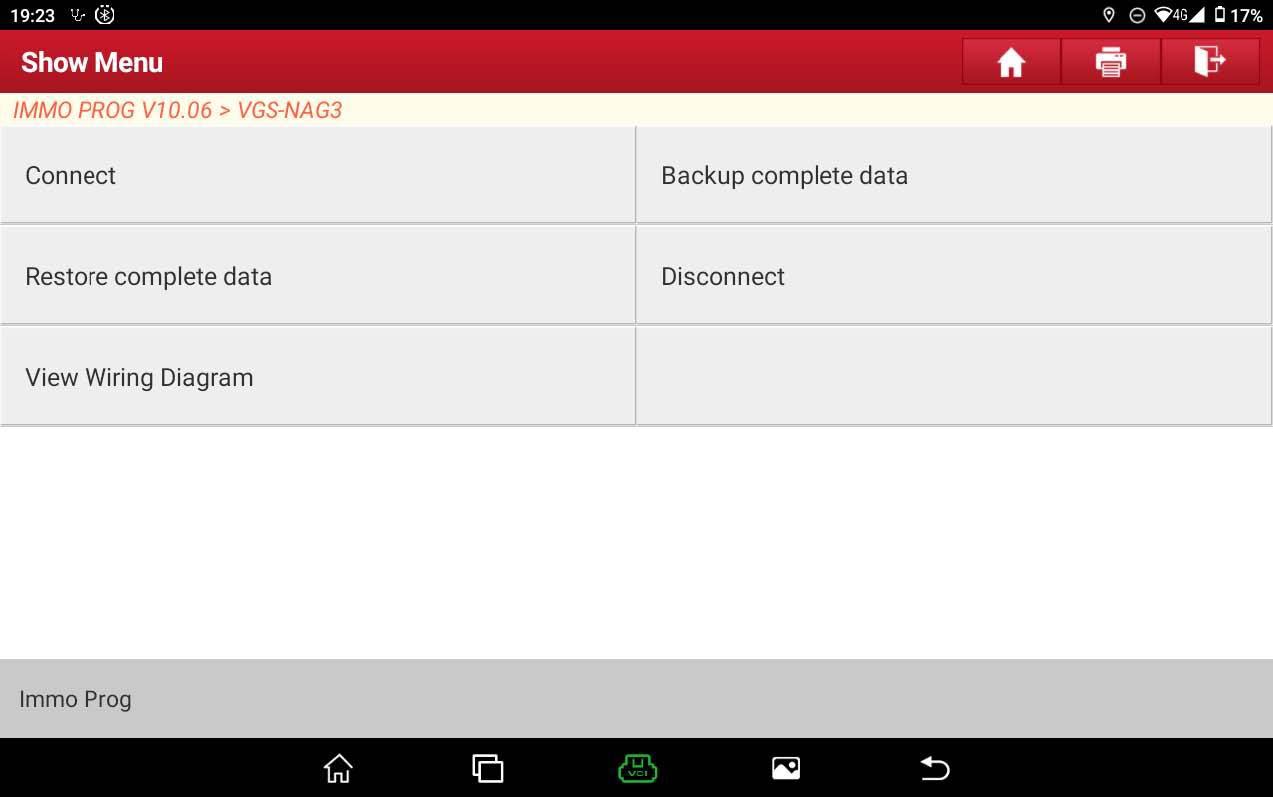
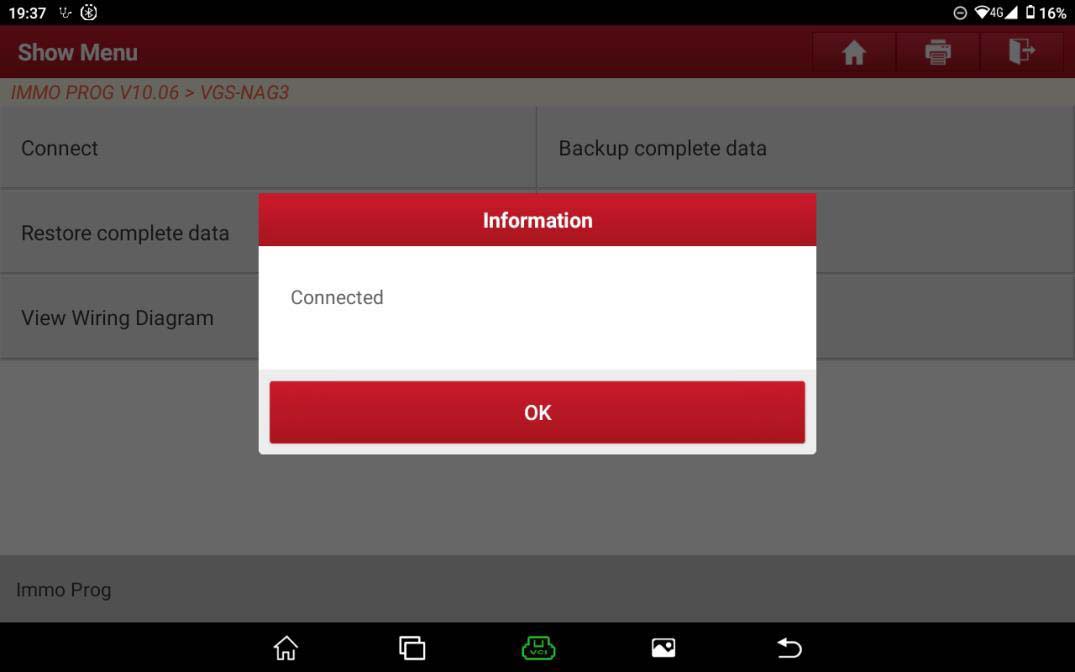
7. Click [OK] and then click [Backup complete data] as shown in Figure 8 and 9, to backup and save the internal data of original gearbox.
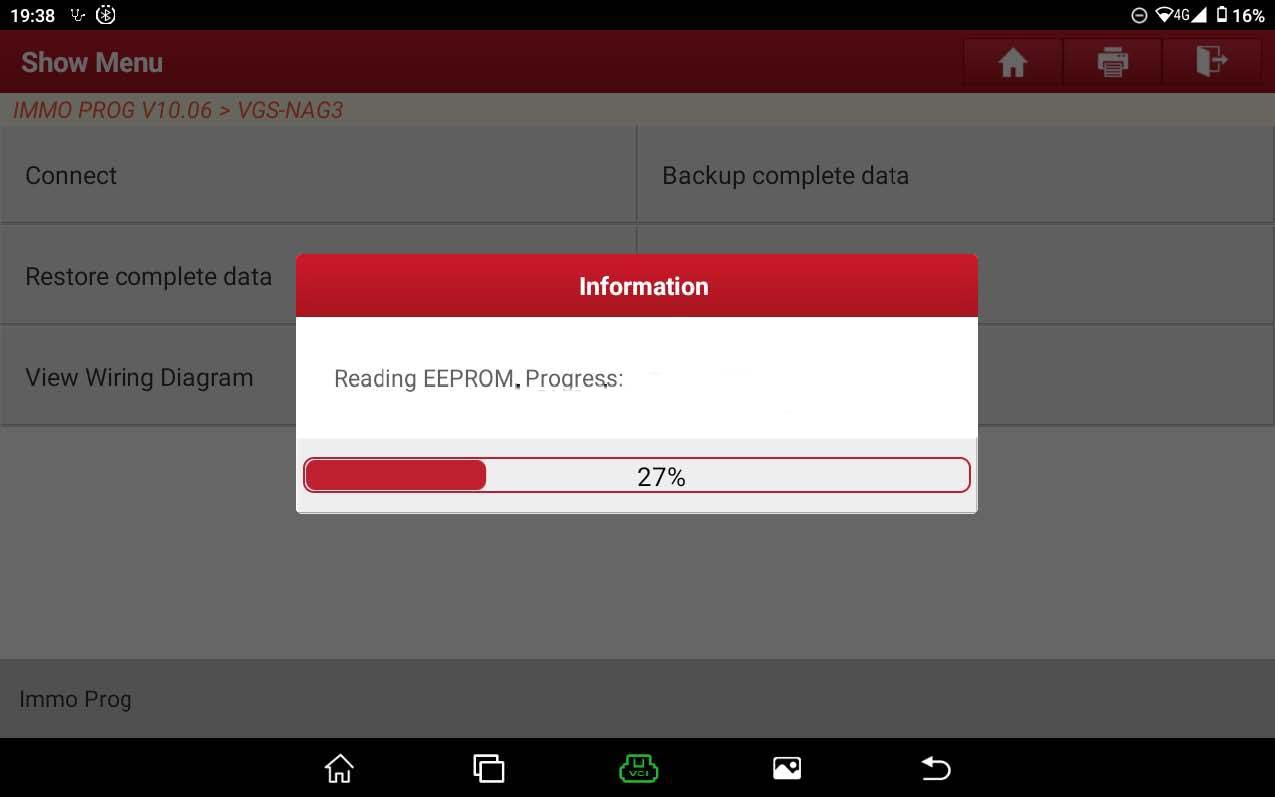
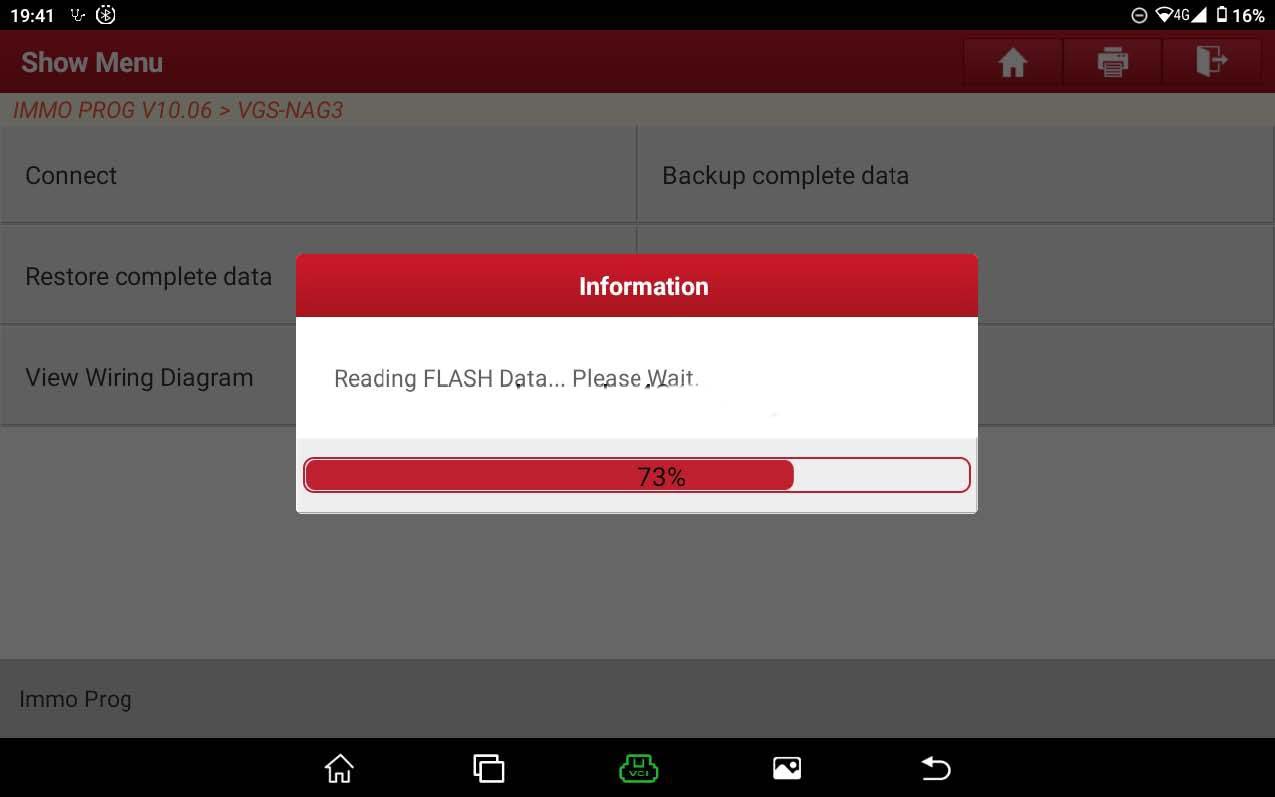
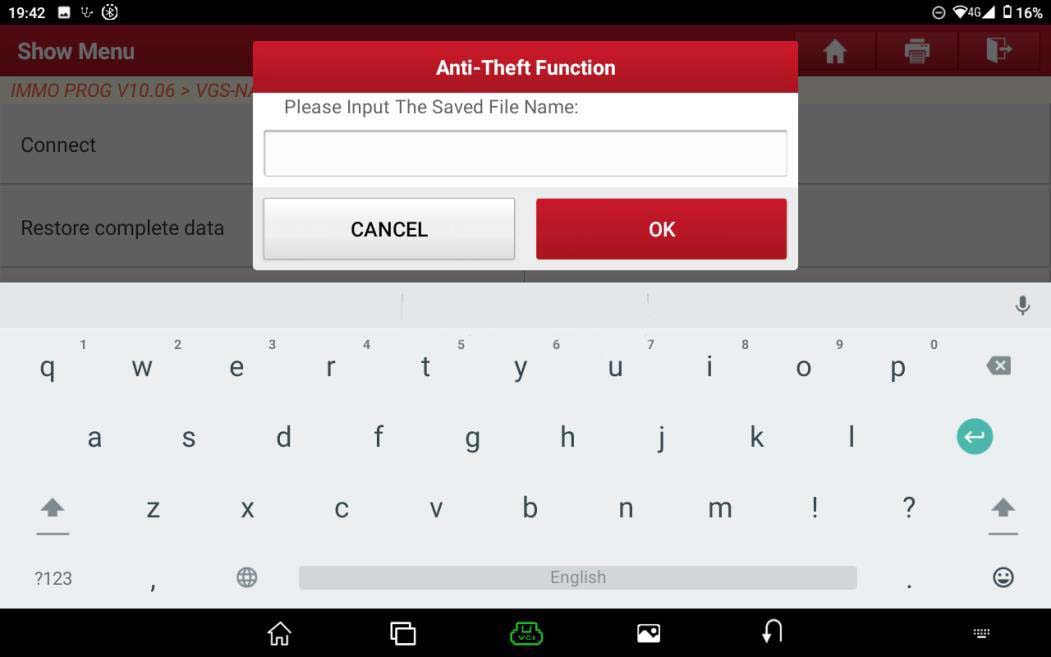
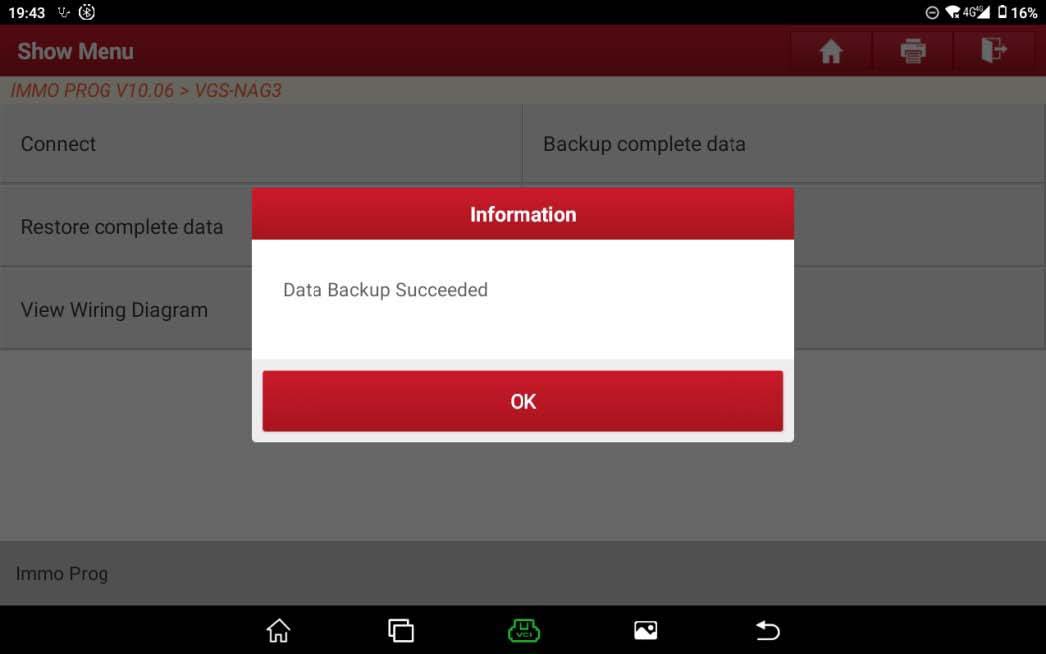
8. Click 【Disconnect】to disconnect the original gearbox and the Immobilizer programmer.
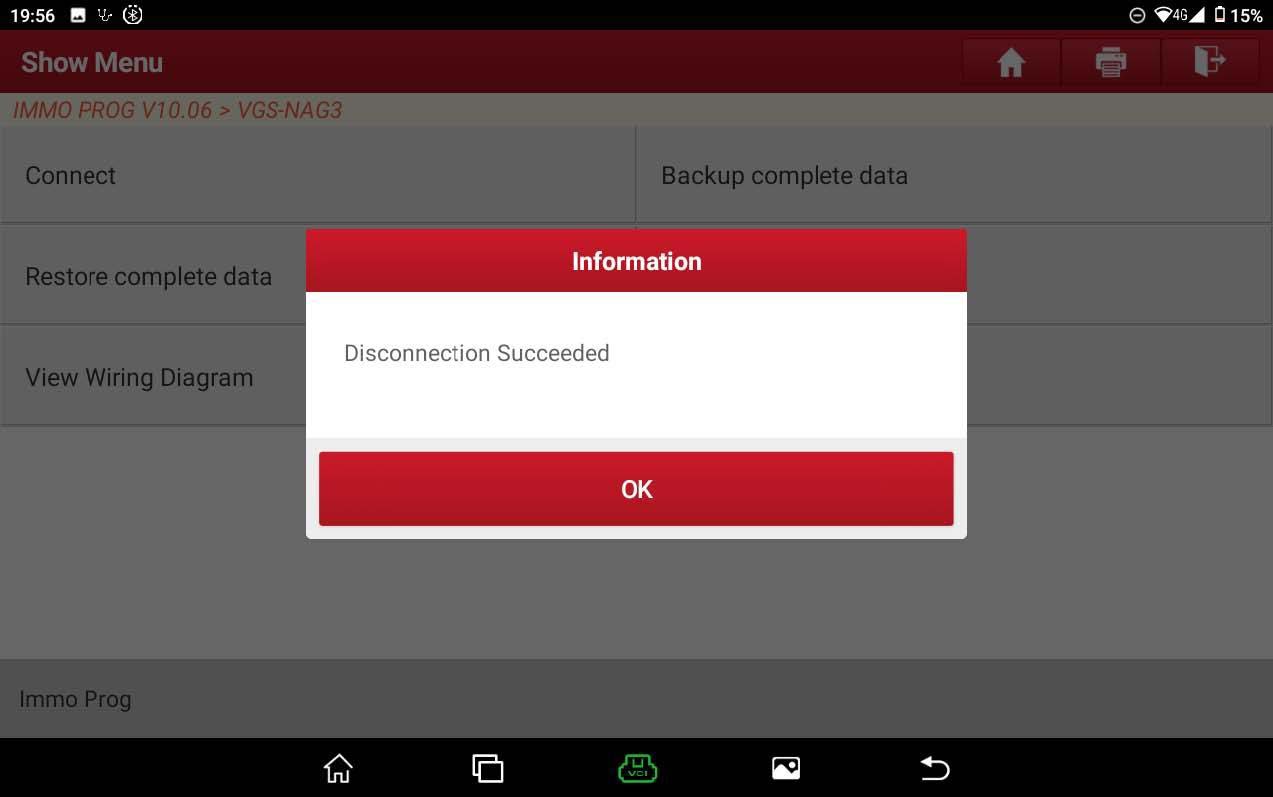
9. Perform step 5 and step 6 again to connect the external gearbox with the Immobilizer programmer;
10. Click [Restore complete data], select the data backed up in step 7;
click “Yes” to write the data of original gearbox to the external
gearbox.
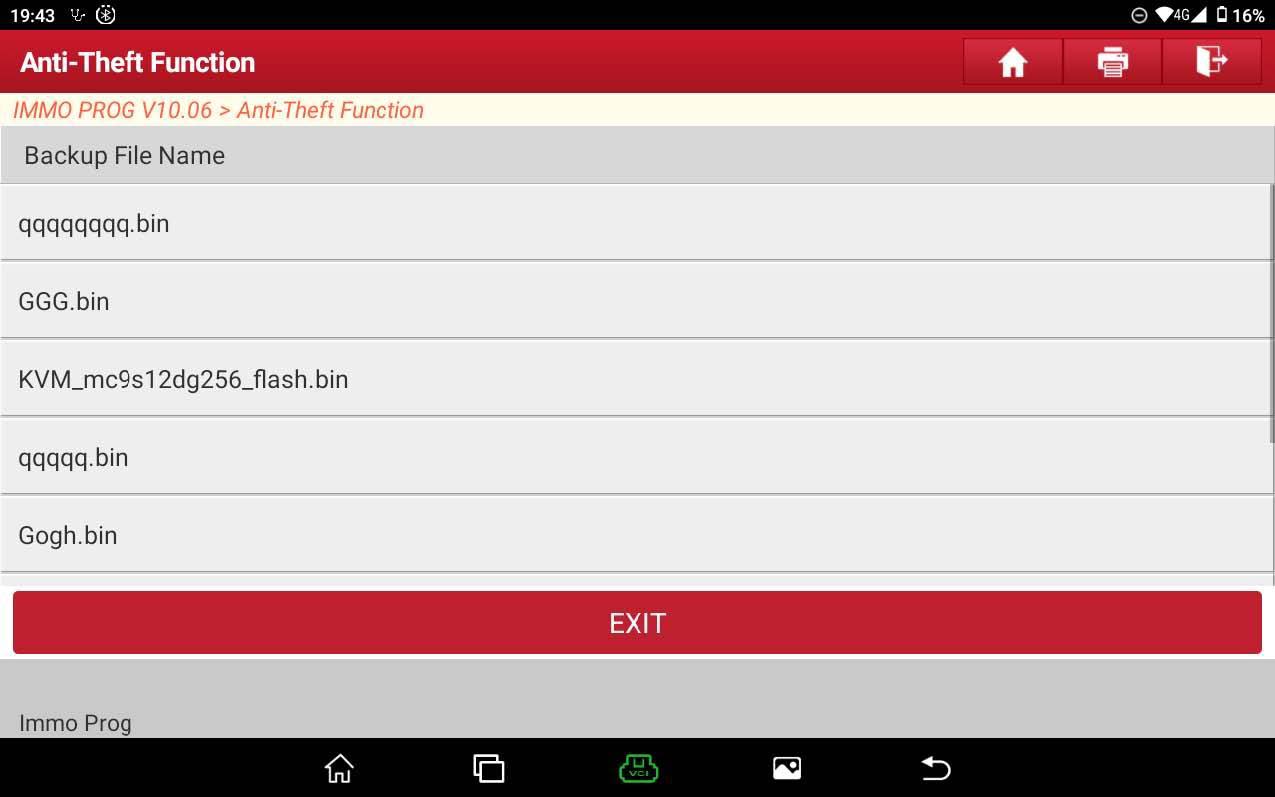
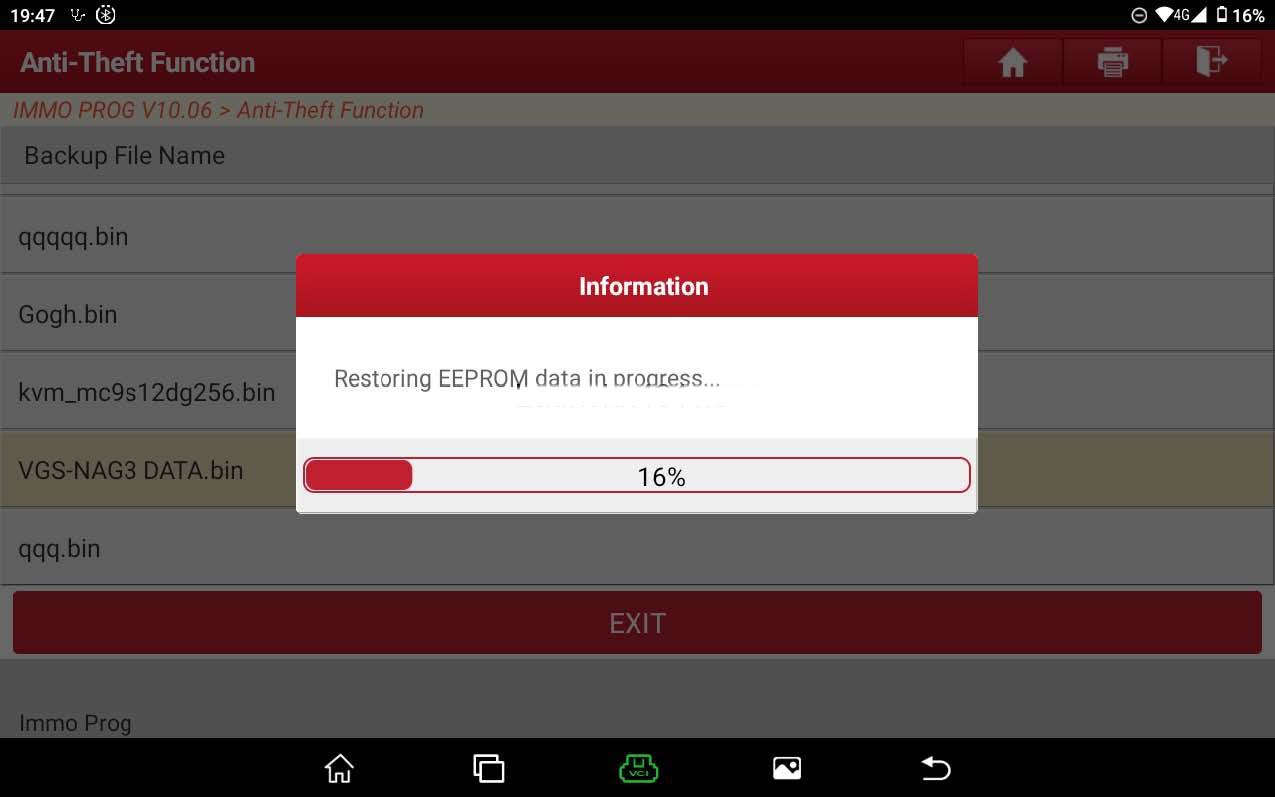
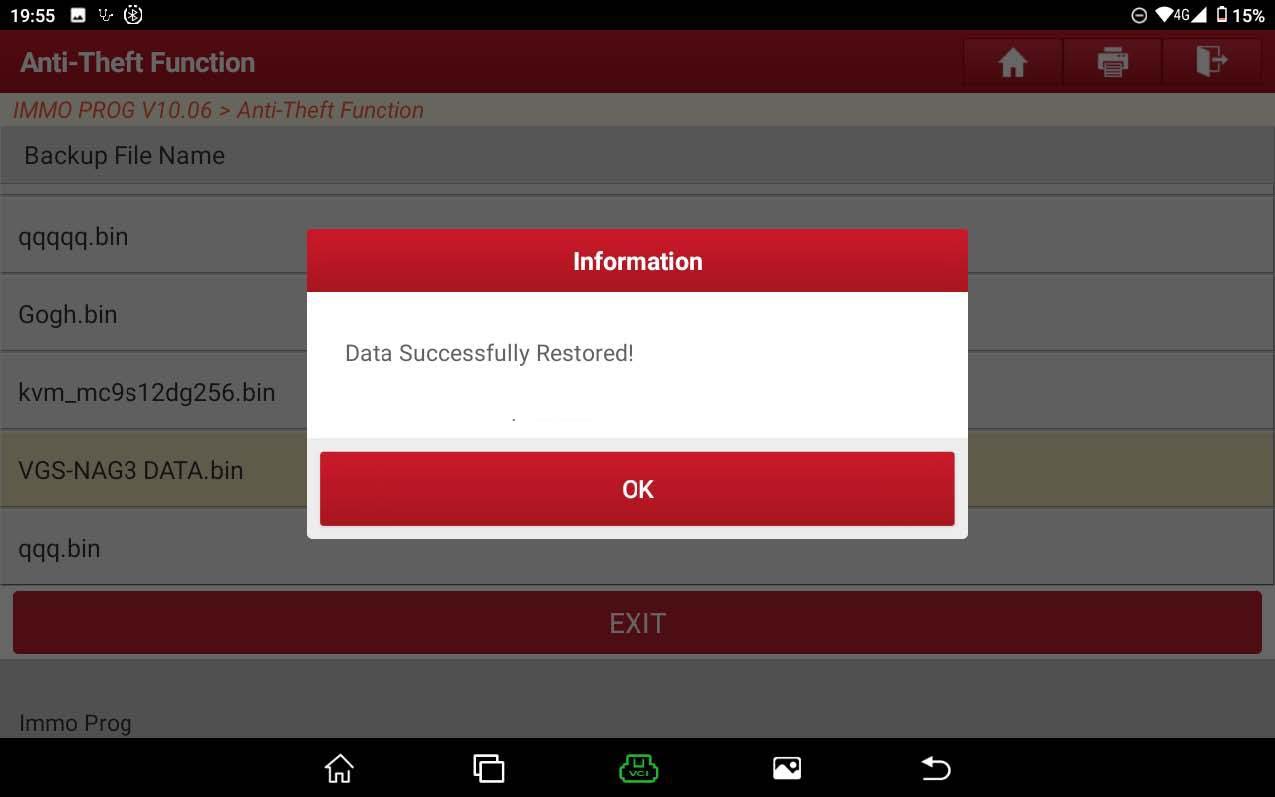
11. Here the cloning for gearbox has been basically completed, but in order to determine whether the data of original gearbox has actually been written into the external gearbox, click [Backup complete data], back up the data of external gearbox at this time, and click [Disconnect], and then click the Return button to return to the interface.
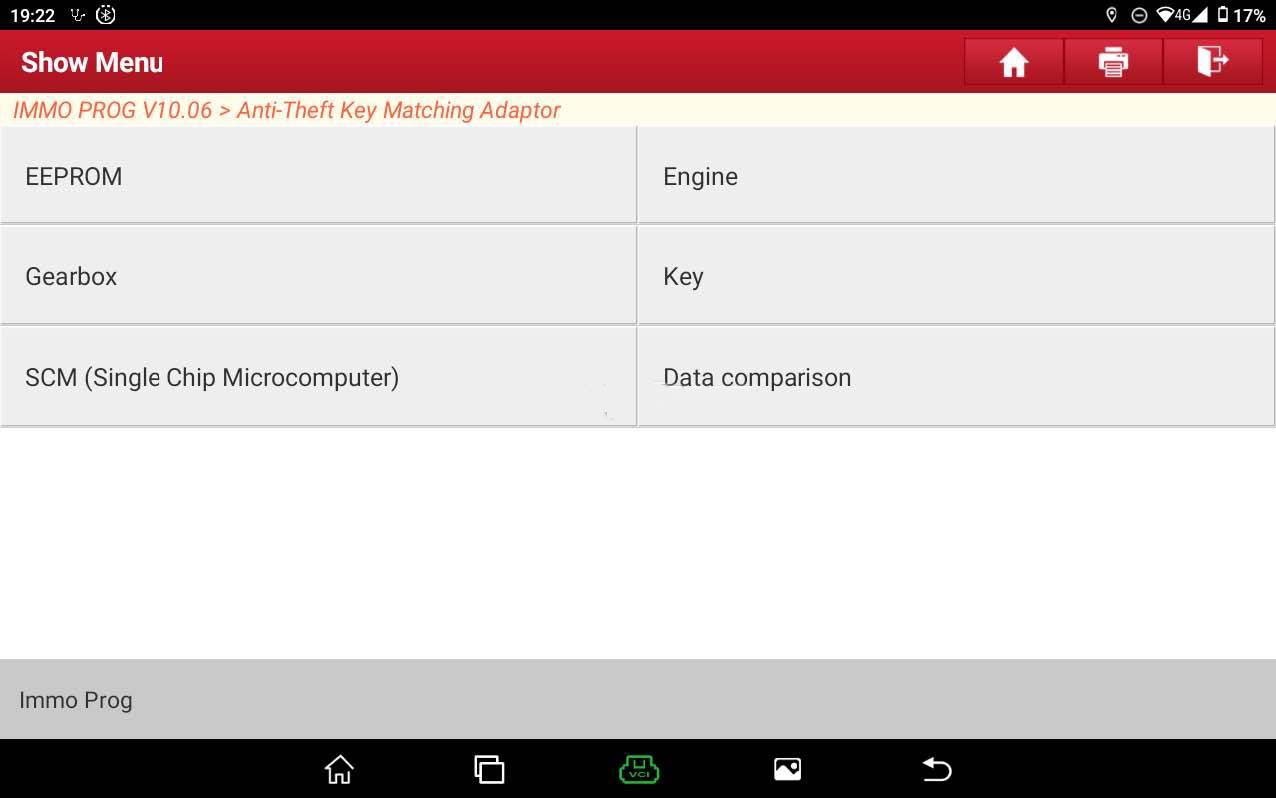
12. Click 【Data Comparison】and enter the data comparison interface.
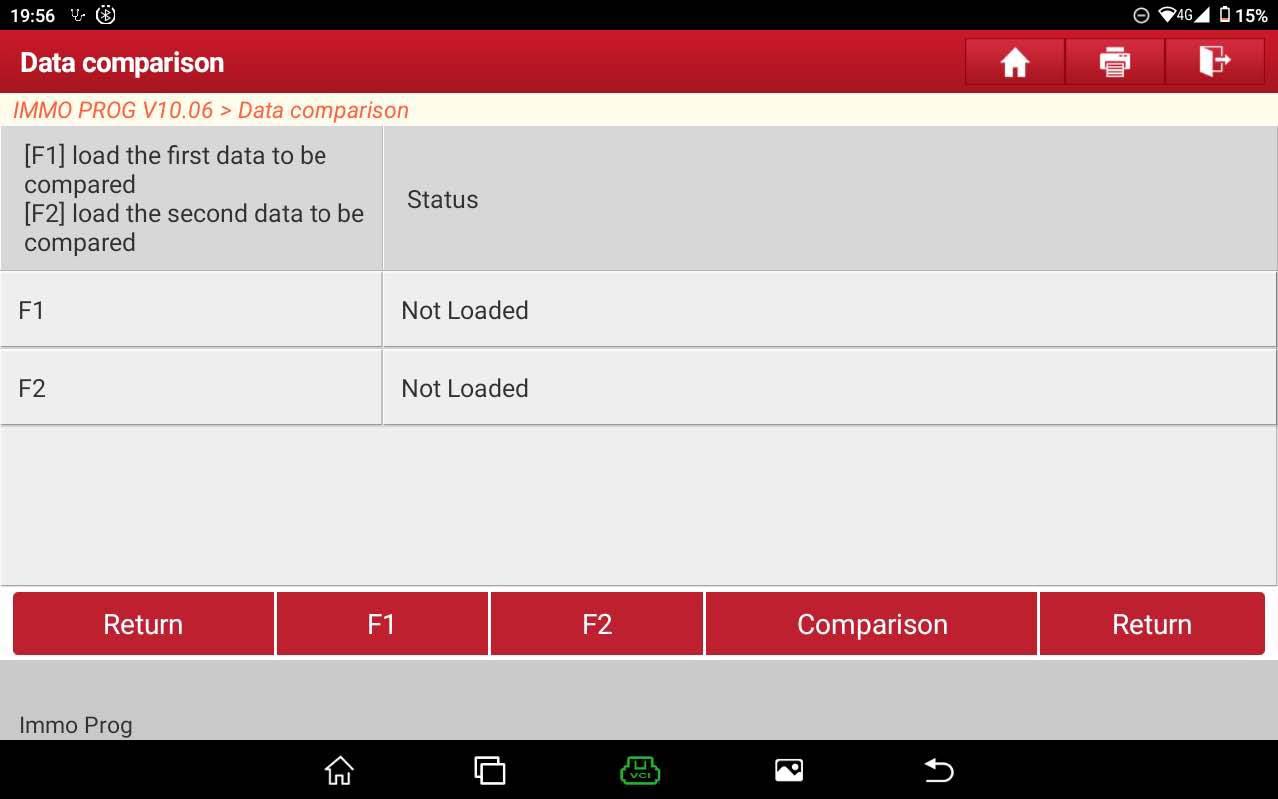
13. Click 【F1】,【F2】to respectively import the data of original gearbox saved in step 7 and the data of external gearbox saved in step 11.
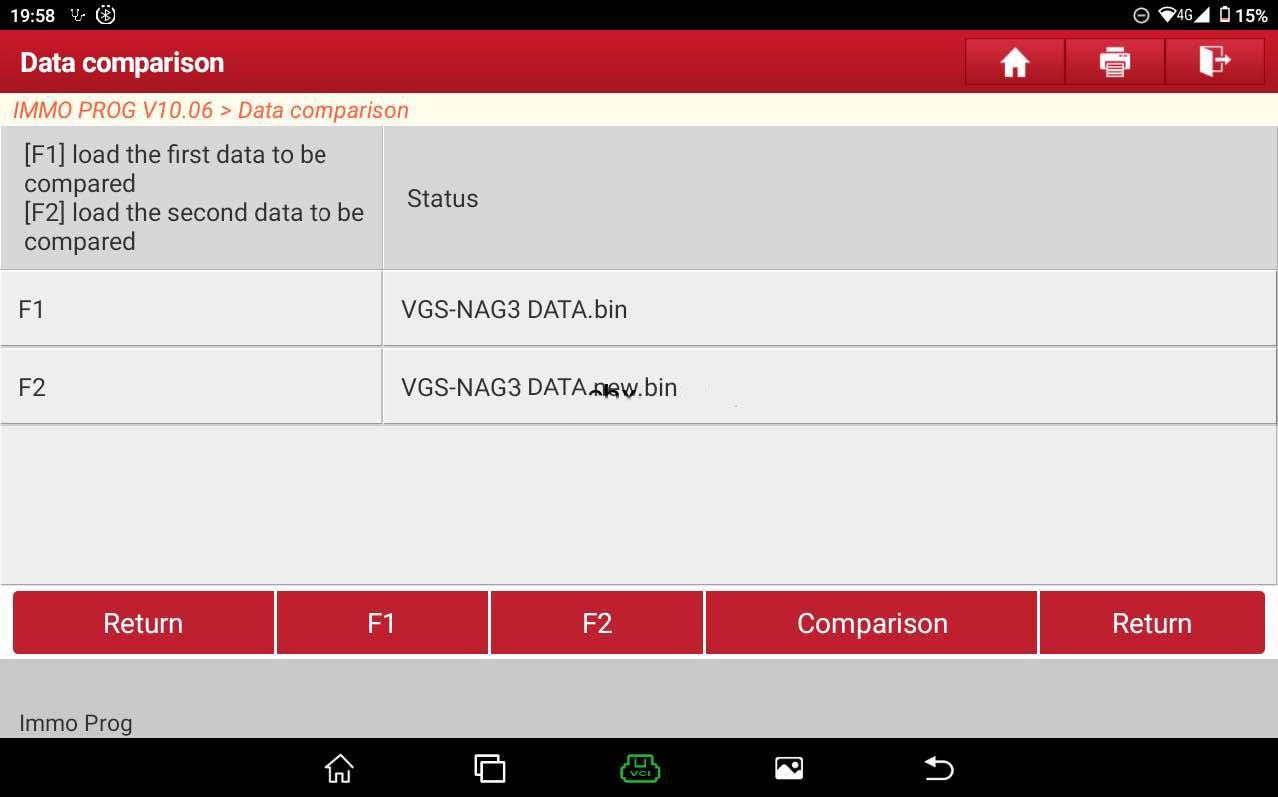
14. Click 【Comparison】, as shown in Figure 20, and finally install the external gearbox on the vehicle.
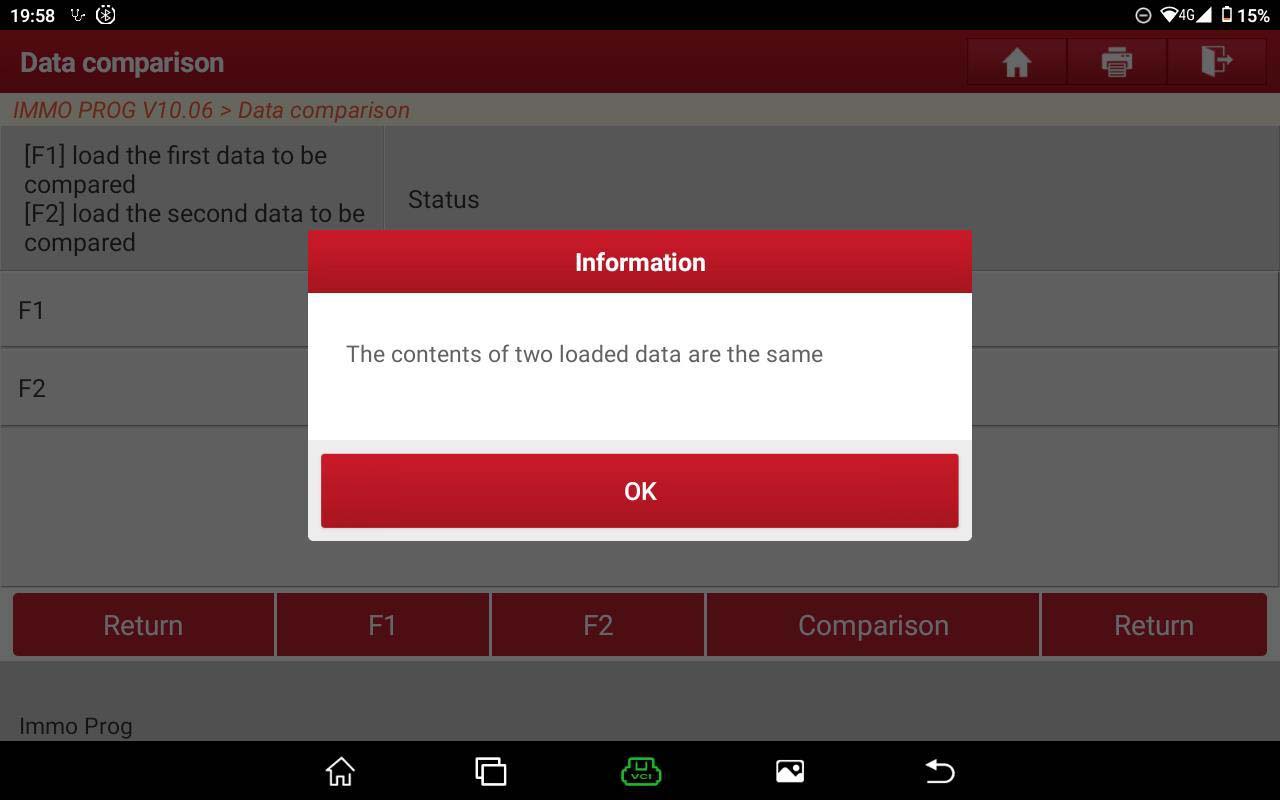
Alright, Launch X431 Pad V Plus X-Prog3 / Launch Pad VII Plus X-Prog3 do a great job for Mercedes Benz VGS-NAG3 Gearbox Clone.
Comments
Post a Comment